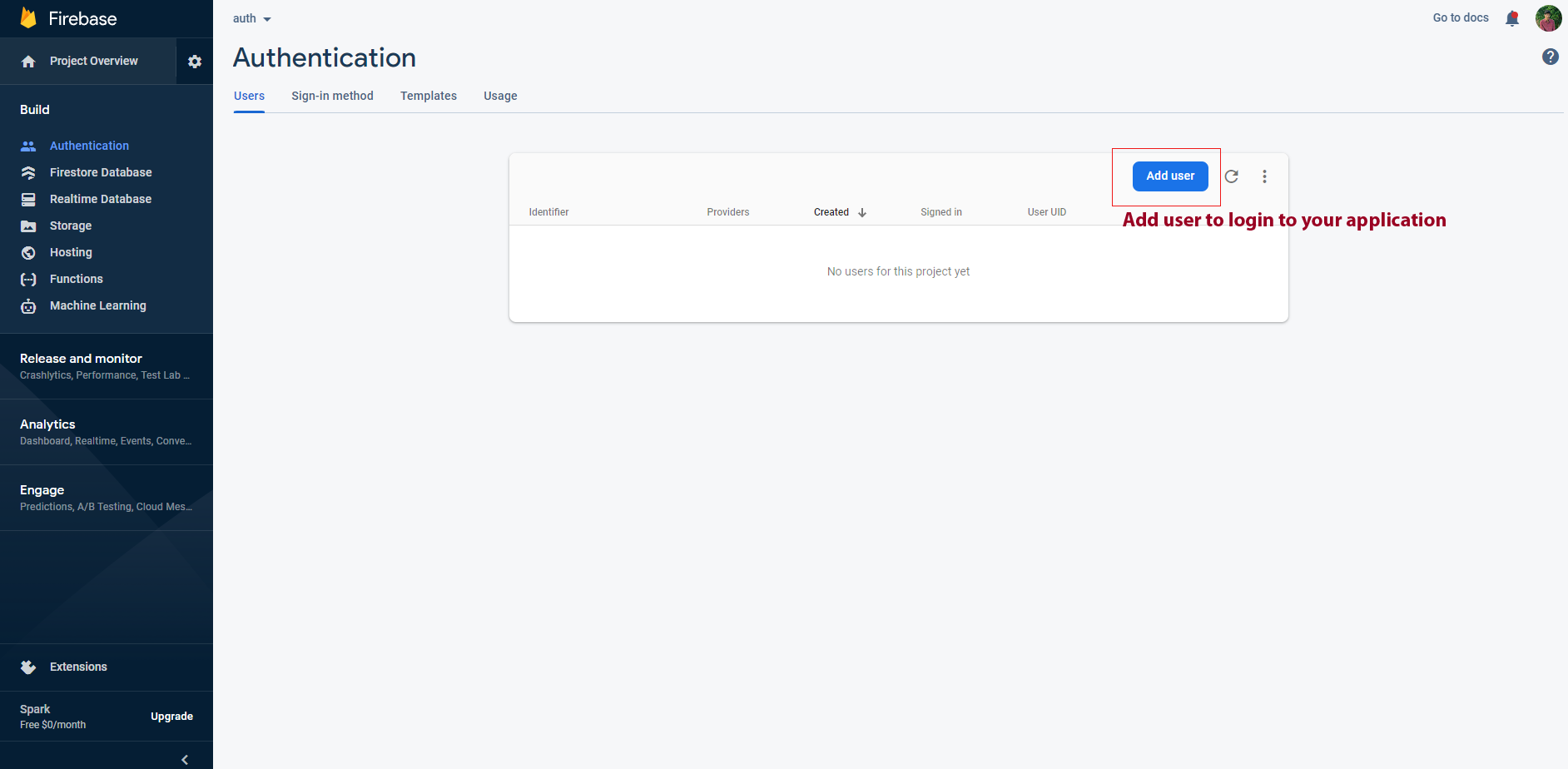
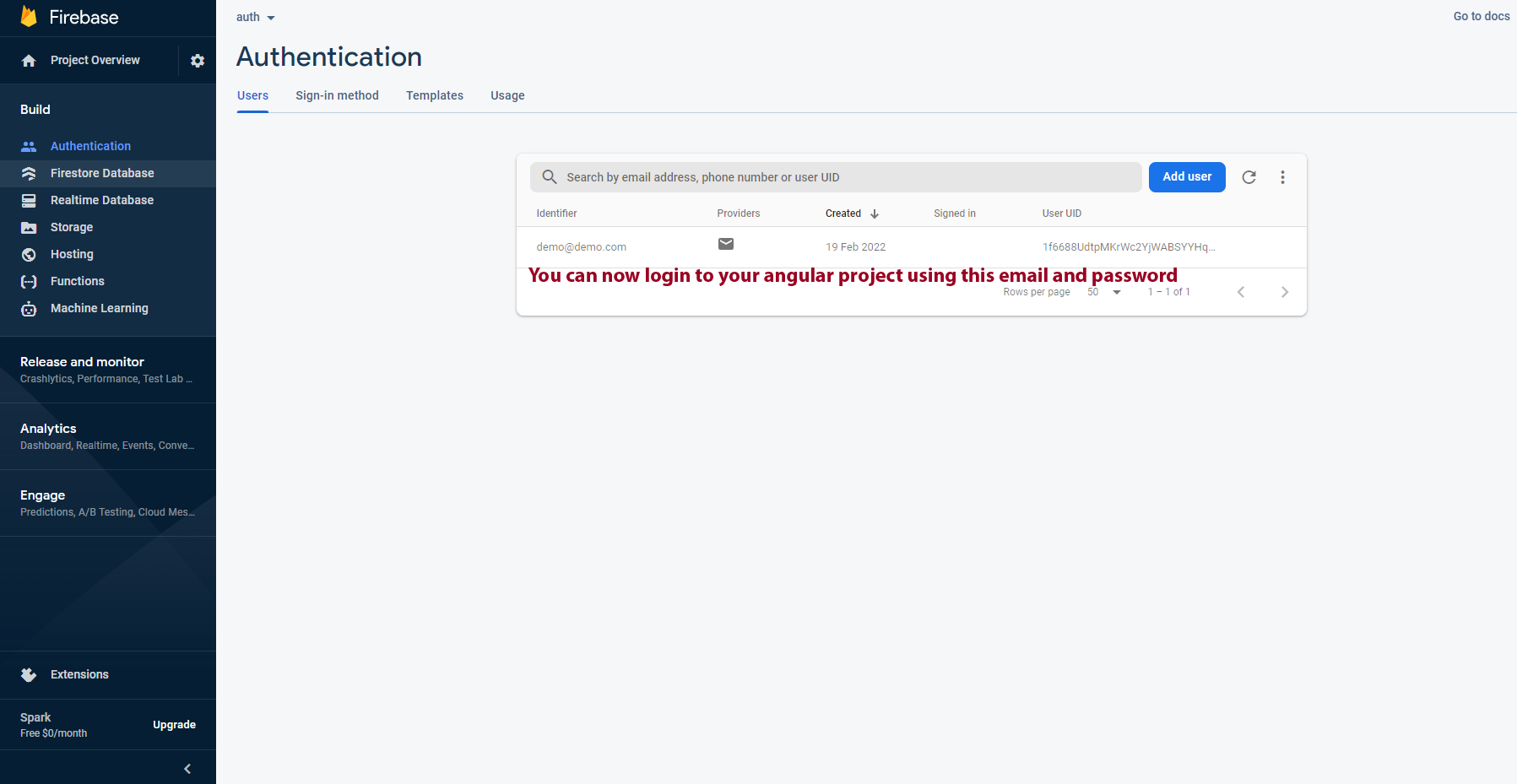
Firebase Authentication Guide
Firebase SetUp
step-1: Now run below commands inside our angular 17 project to install firebase.
npm install firebase @angular/fire --save
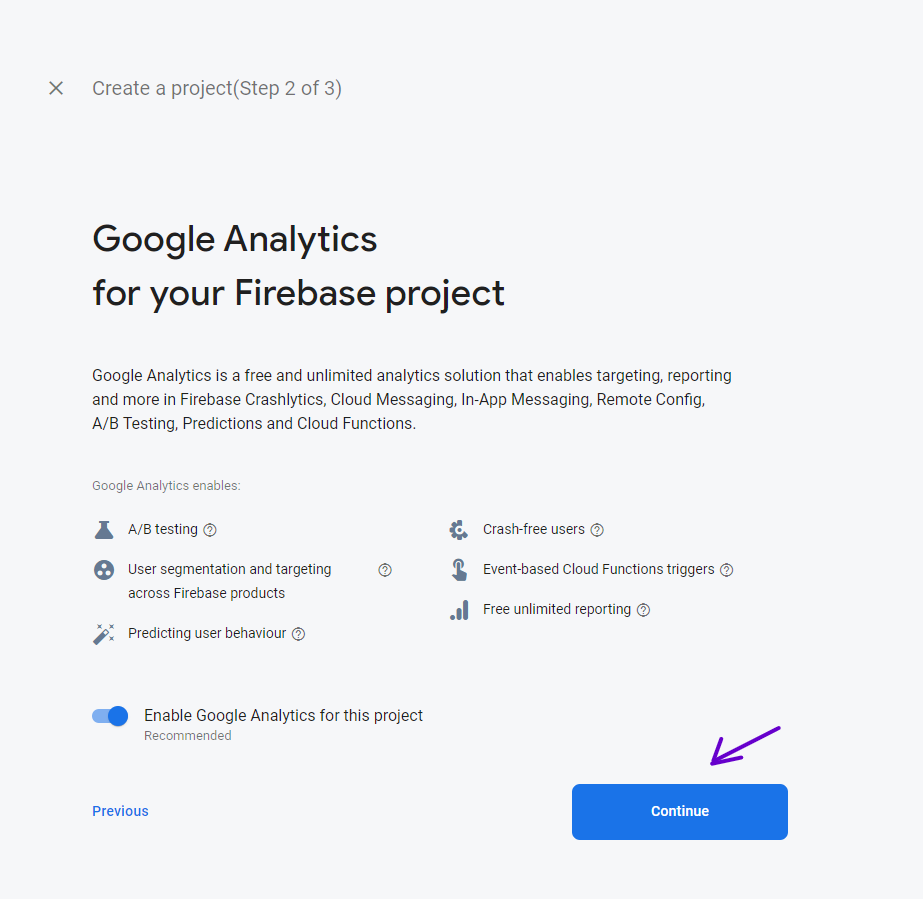
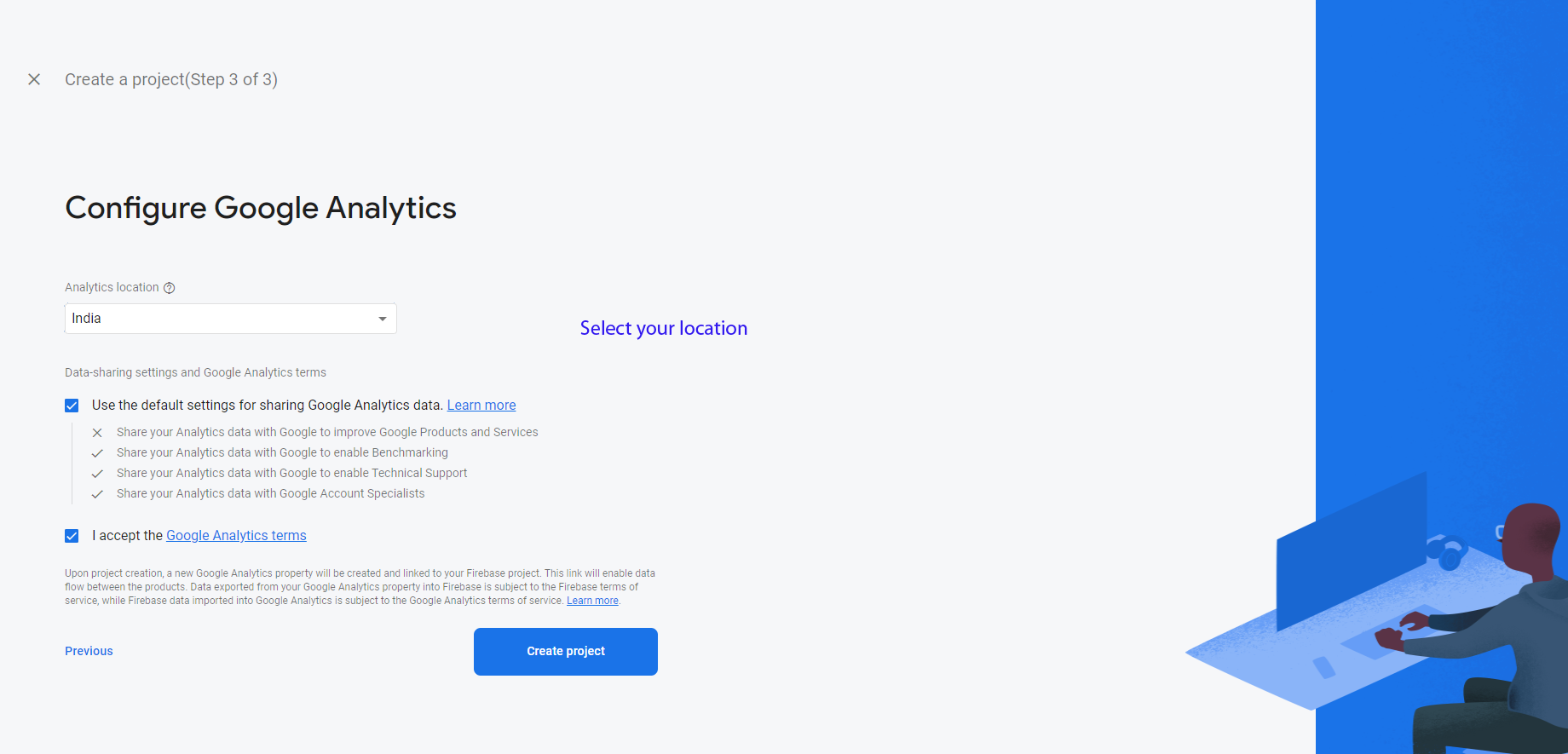
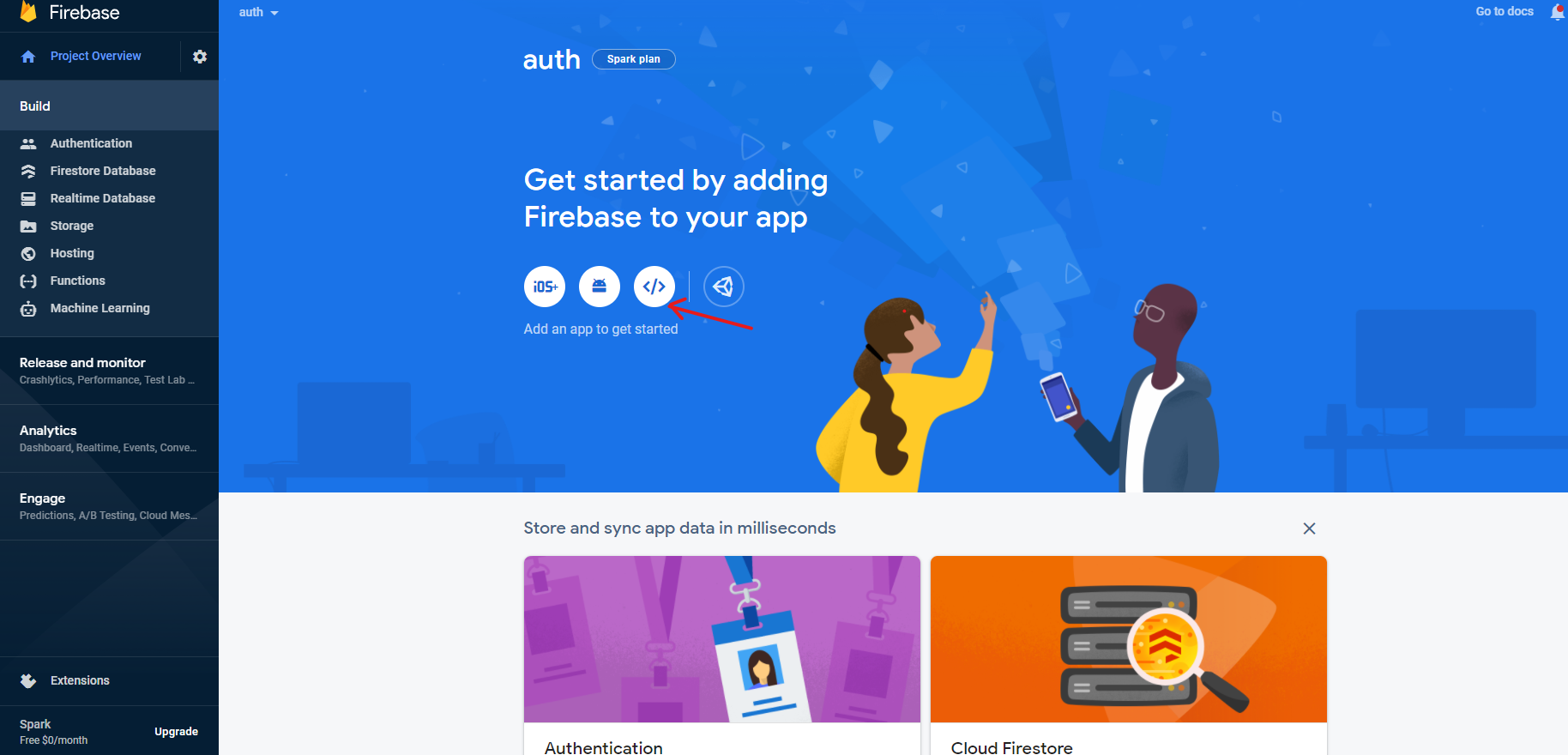
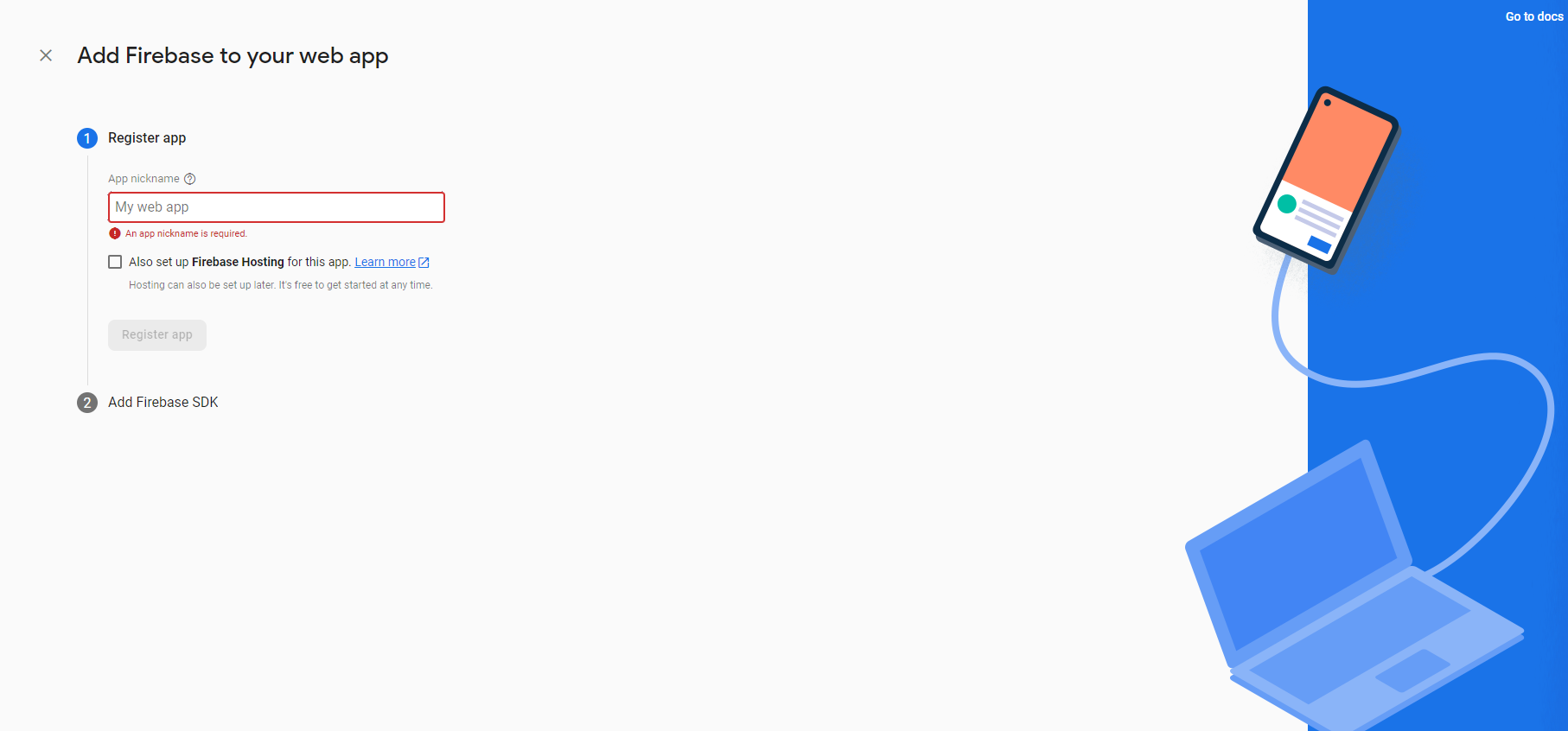
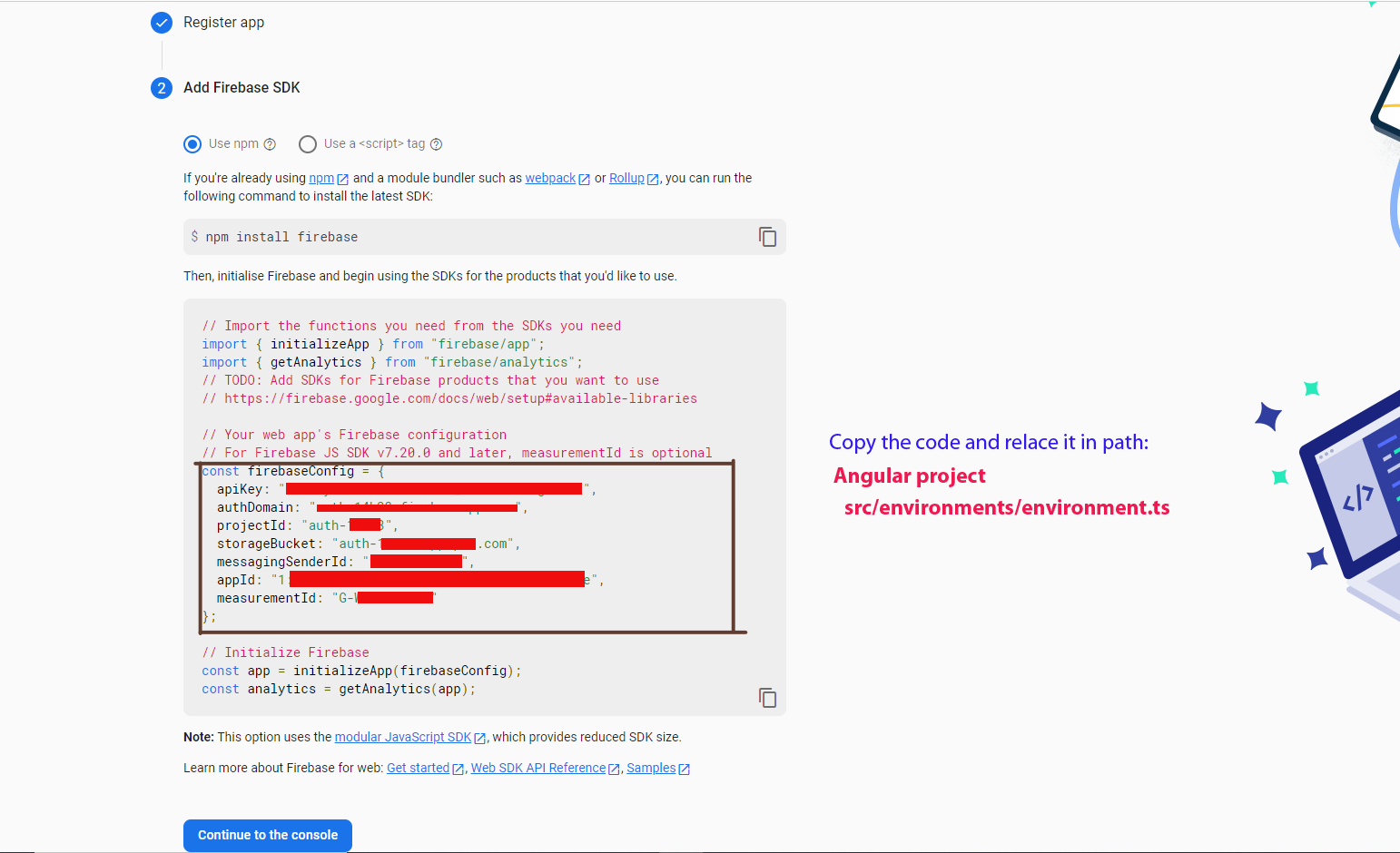
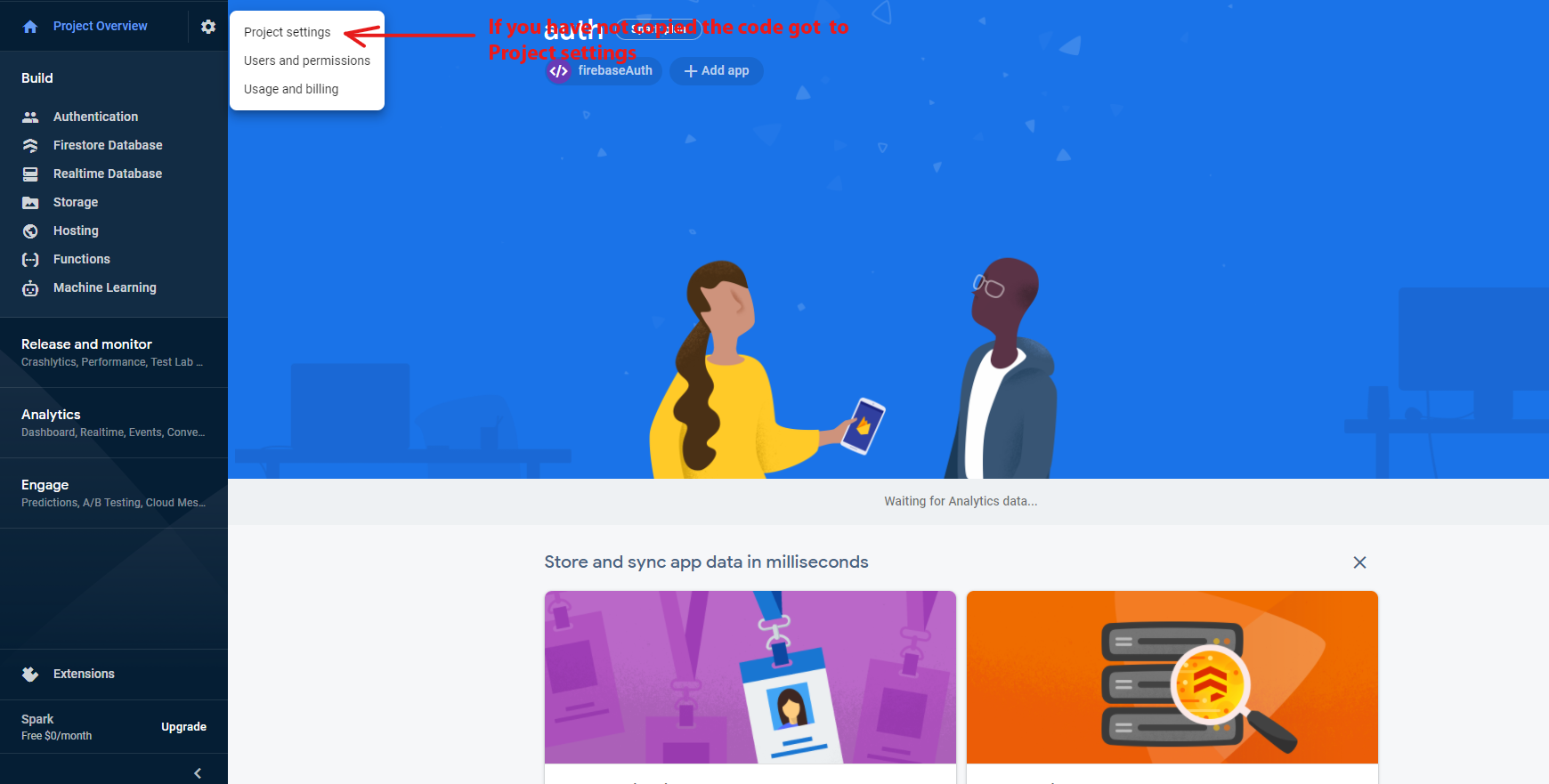
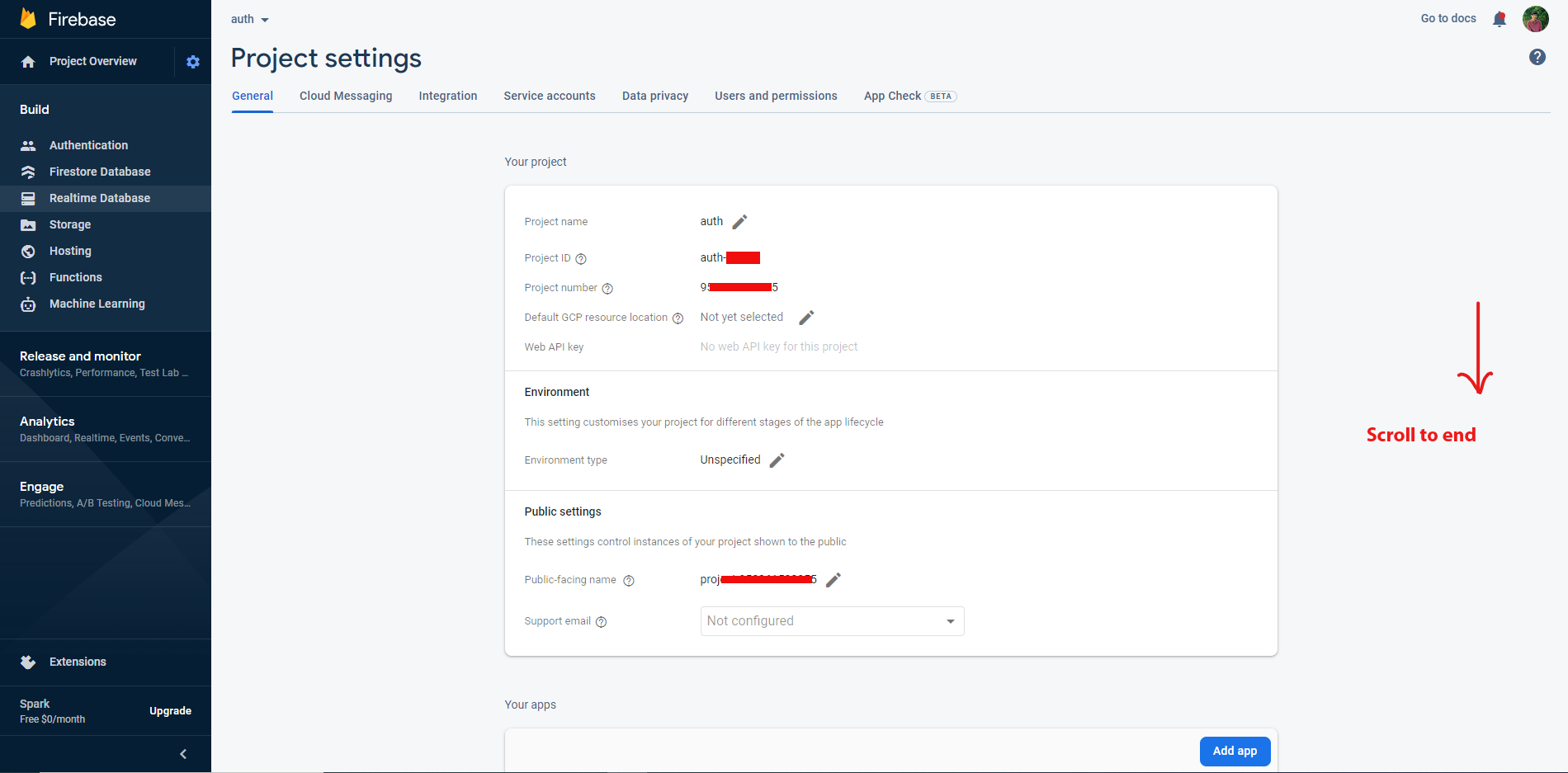
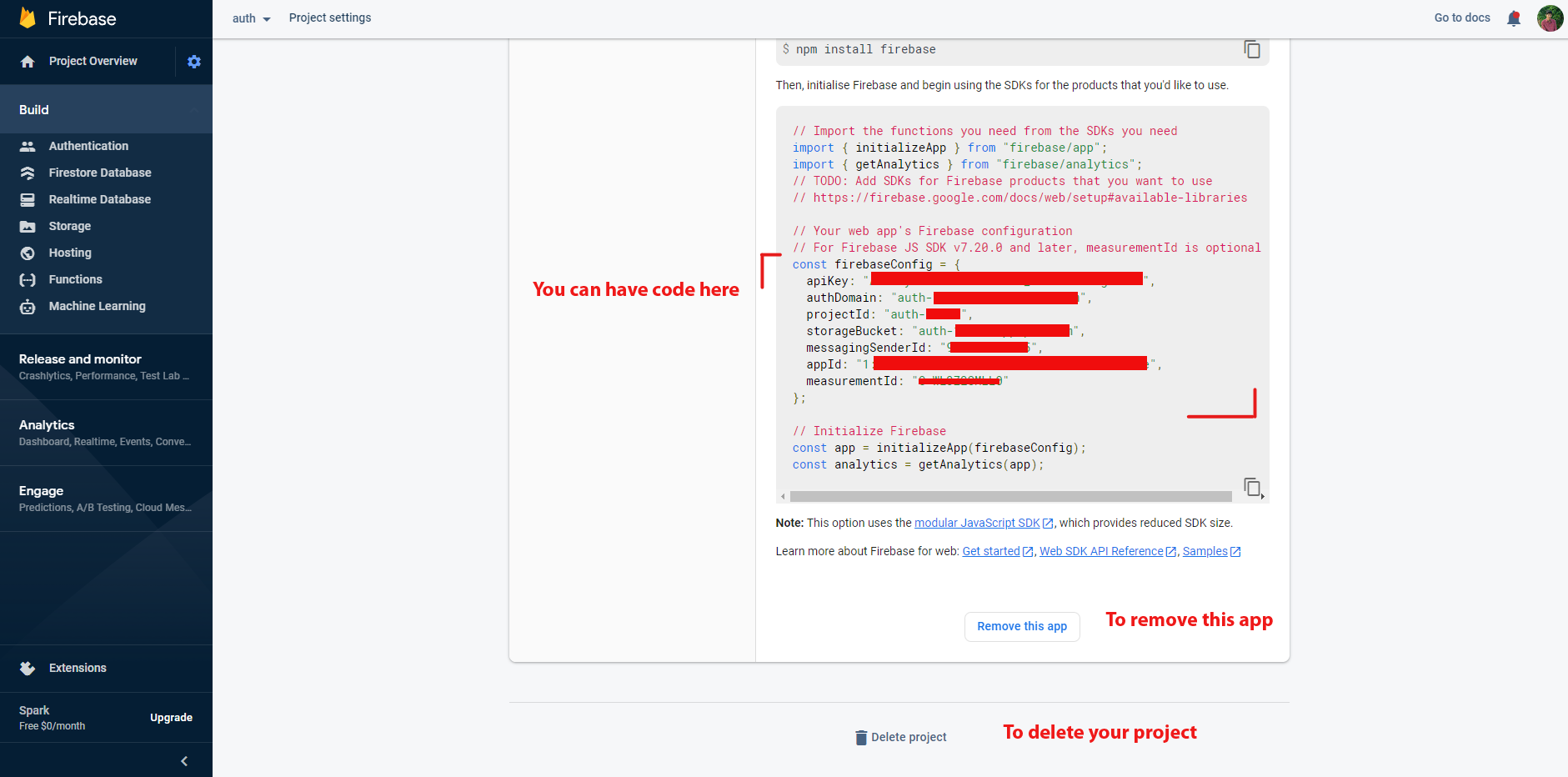
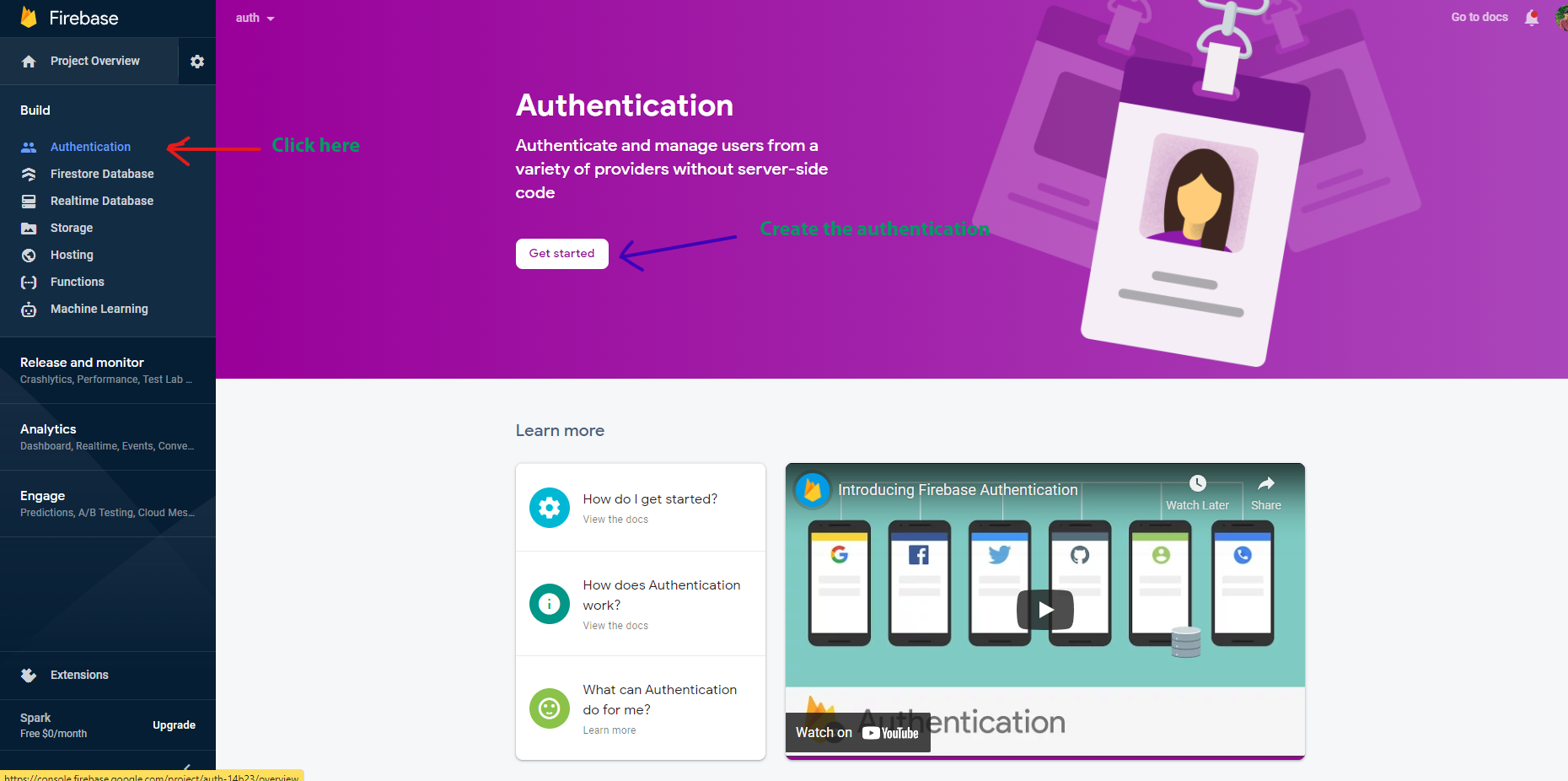
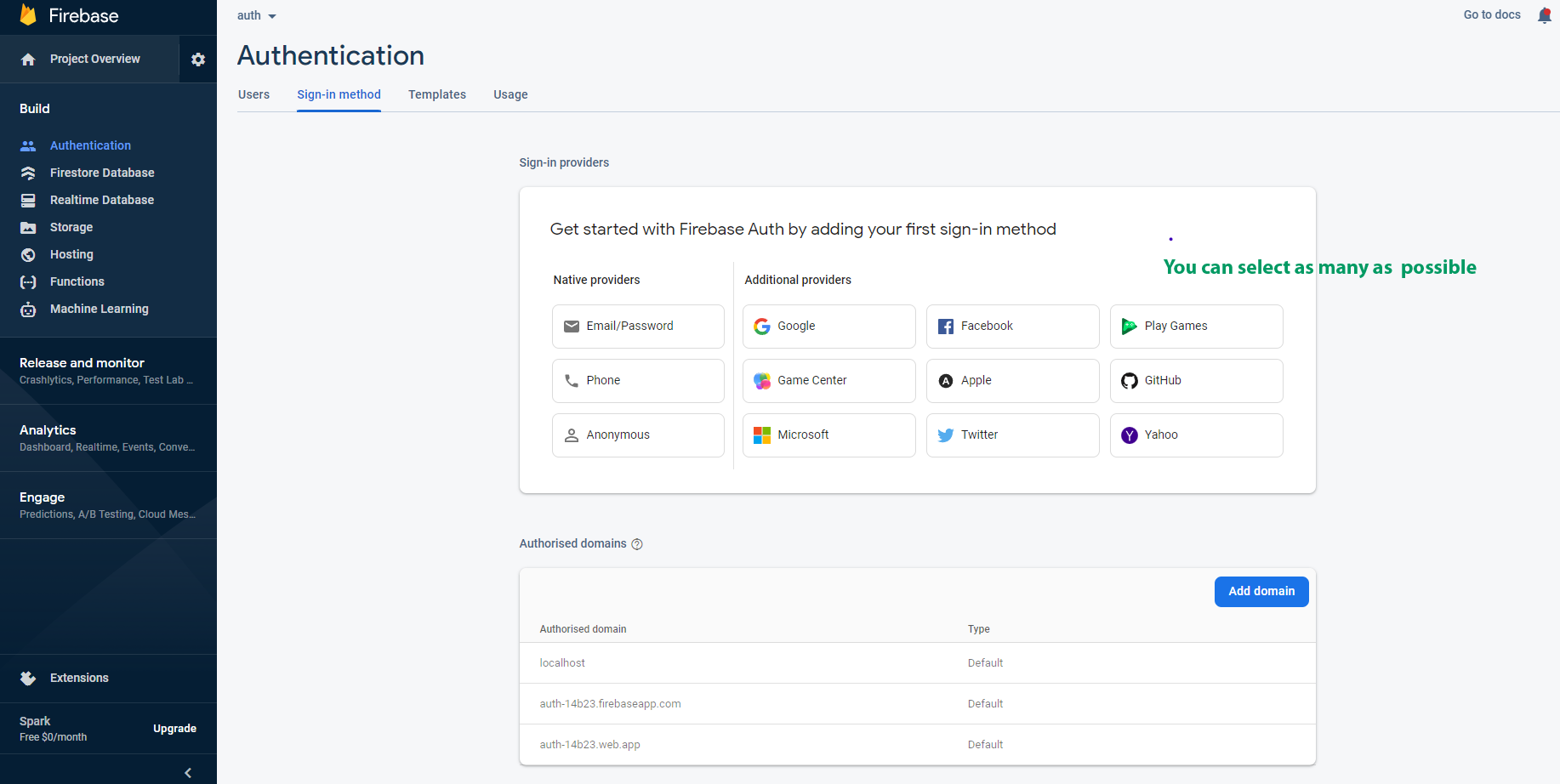
step-2: Now we need to add firebase configuration details(create database on
firebase) and we need to add that details in
angular_project/src/environments/environment.ts file:
   export const environment = {
        production: false,
        firebaseConfig : {
          apiKey: "***",
          authDomain: "***",
          databaseURL: "***",
          projectId: "***",
          storageBucket: "***",
          messagingSenderId: "***",
          appId: "***",
          measurementId: "***"
        }
      };
And also include them in
angular_project/src/environments/environment-prod.ts file:
export const environment = {
    production: true,
    firebaseConfig : {
        apiKey: "***",
        authDomain: "***",
        databaseURL: "***",
        projectId: "***",
        storageBucket: "***",
        messagingSenderId: "***",
        appId: "***",
        measurementId: "***"
    }
};
step-3: . Now we nee to add or replace below code into
ourangular_project\src\app\app.config.tsfile:
import { BrowserAnimationsModule } from '@angular/platform-browser/animations';
import { environment } from 'src/environments/environment';
import { AngularFireModule } from '@angular/fire/compat';
import { AngularFirestoreModule } from '@angular/fire/compat/firestore';
import { AngularFireAuthModule } from '@angular/fire/compat/auth';

imports:[
...
BrowserAnimationsModule, // required animations module
AngularFireModule.initializeApp(environment.firebase),
AngularFirestoreModule,
AngularFireAuthModule
]
Firebase Revocation process
Process to remove firebase :
- To remove firebase from the project make sure that you have to remove the
auth.service.tsfile insrc/app/shared/auth. -
In
login.tsreplace login function with your logic
login() {
    if (this.loginForm.controls['email'].value === "spruko@template.com" && this.loginForm.controls['password'].value === "spruko"){
            this.router.navigate(['/dashboard/sales']);
    }
}
Firebase installation process